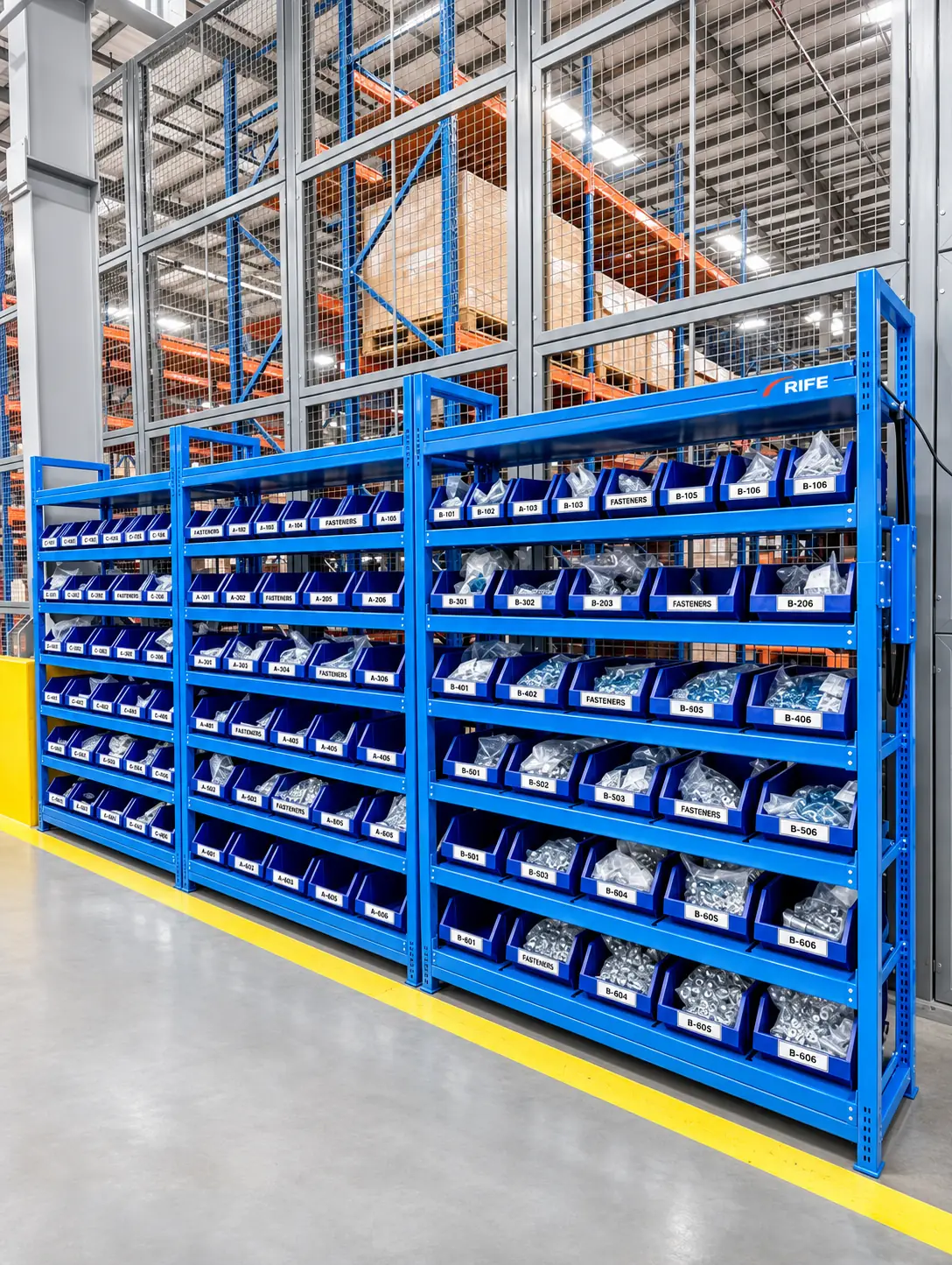
Inventory replenishment is the process of moving stock from suppliers or central stores to where it’s used, before it runs out. Get it wrong and you face either stockouts or shelves full of excess stock. This guide covers the main replenishment methods, how to set reorder points, and how automation removes the guesswork.
Common replenishment methods
- Reorder point (min/max). When stock falls to a minimum level, reorder up to a maximum.
- Periodic review. Check stock at fixed intervals and order enough to reach a target level.
- Kanban / pull. Refill what has been consumed, triggered by an empty bin or card.
- Vendor managed inventory (VMI). The supplier monitors your stock and decides when to refill.
All four methods depend on one thing: knowing how much stock is actually there.
How to set a reorder point
A practical formula:
Reorder point = average usage per day × lead time (days) + safety stock
- Average usage comes from consumption history.
- Lead time is how long a refill takes to arrive.
- Safety stock covers variation in usage or delivery.
The weakness of most systems is not the formula; it’s the data. If stock levels are only known after a count, the reorder point is checked too late.
Why manual replenishment fails
- Stock levels are checked by eye or on a weekly walk-round.
- Withdrawals aren’t recorded at the time they happen.
- Reorder decisions are delayed until someone notices.
- Teams compensate by holding extra safety stock.
How automated reorder alerts work
With weight-based monitoring, every shelf, bin or drawer position reports its quantity continuously. The software compares each quantity with its reorder point and raises an alert the moment stock reaches it.
- Stock is taken from a monitored position.
- The quantity updates automatically.
- When it reaches the reorder point, an alert is raised.
- The item is added to a replenishment list for stores, purchasing or the supplier.
- When the refill is put away, the new weight confirms it.
Benefits of automated replenishment
- Reorders start on time, every time.
- Safety stock can be reduced with confidence.
- Purchasing sees real consumption trends.
- Suppliers can plan deliveries under VMI.
- Fewer emergency orders.
Getting started
Start with items whose shortage causes the most disruption, set reorder points from recent usage, and review them after a month of live data.
See Inventory Monitoring Software and Smart Dispensing Cabinets.