Electronics Inventory Management with Smart Bins & Drawers
Electronics production depends on many small, lightweight parts. ERGO weighing bins can monitor suitable consistent components at defined positions and help stockroom teams identify what needs replenishment.
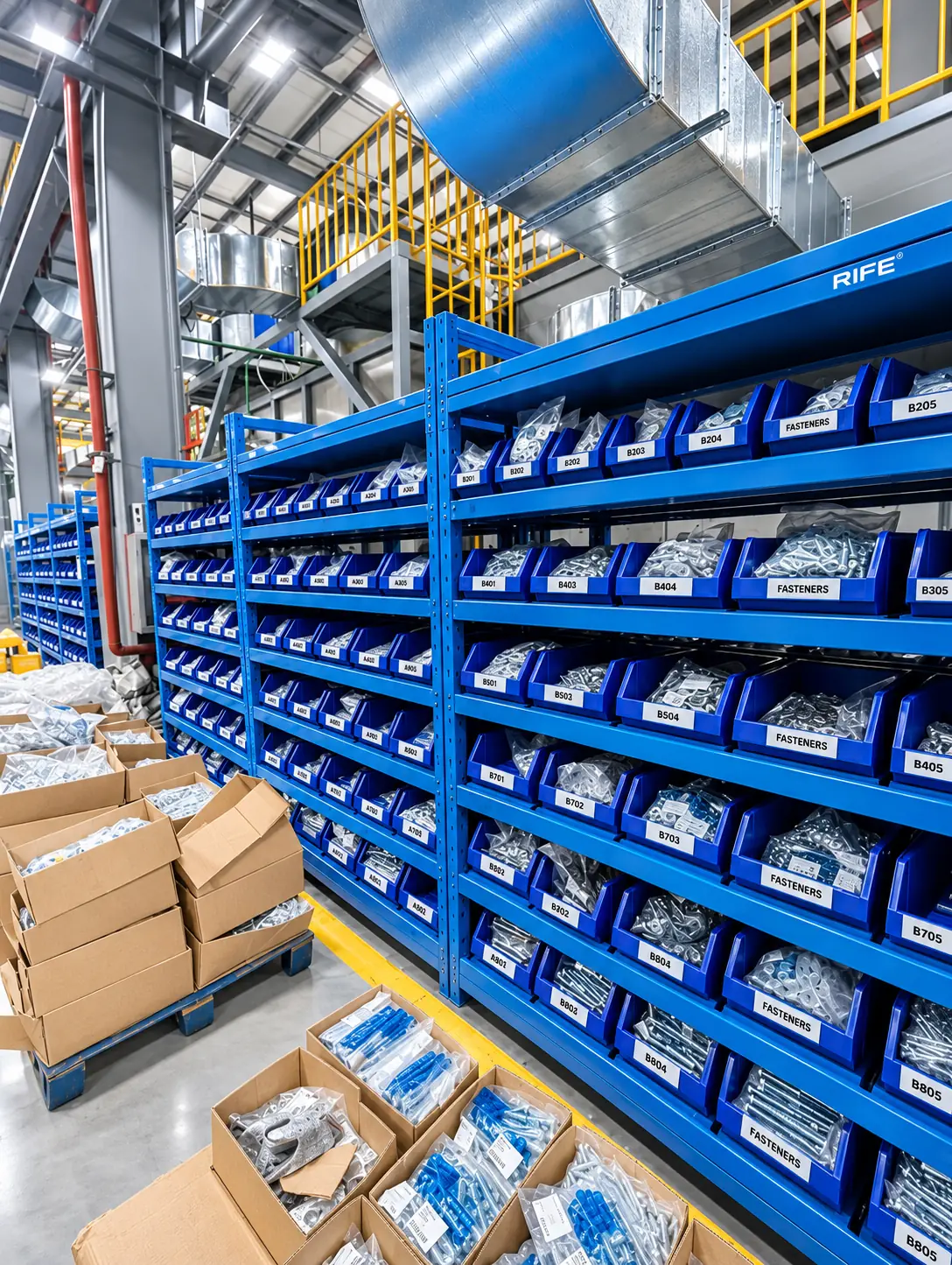
A tiny connector or spacer may be inexpensive, but its absence can delay a valuable production operation.
Counting small components by weight
Tiny components often arrive in trays, reels, bags or bins. A consistent loose-part or pack weight can support a calculated count, provided the weighing position is designed for that item and container. The full load and smallest meaningful pick both influence the selected sensor.
Many electronic parts are too small, too variable or packaged in ways that make precise counting from a rack alone impractical. Rather than claim universal counting, the pilot should select representative items and compare weight-derived results with actual quantities.
Keep one known item per measurement zone
Mixed component types can look similar and occupy the same drawer or bin, but a single total weight cannot identify which was removed. Segregated positions, consistent packaging and part-number mapping make sensor readings interpretable.
The layout can combine rack positions, small modular bins and monitored drawers. An item position includes an identification label, tare calibration and replenishment rule so the software can report exactly where the shortage arises.
Respect ESD and handling practices
Electrostatic-discharge control is essential for many electronics workflows. When an application requires ESD-safe containers, grounding, protected working surfaces or clean handling, these must be included in the product specification. No ESD performance or certification should be inferred solely from a promotional image.
For sensitive parts, the operating team should verify approved bins, packaging, bench equipment and access procedures. Weighing positions can be integrated into that controlled environment if the complete arrangement meets the facility requirements.
Tie monitored stock to assembly replenishment
A line-side stock signal helps staff restock connectors, fittings and common consumables before a workcell runs out. Purchasing can use consumption views to plan reorder quantities; stores can use rack and bin locations to organize a refill round.
Begin with a set of predictable high-use components, record withdrawals and refills across a normal shift, and check repeatability. Expand only after the inventory team confirms the count quality and exception process.
Verify counting with actual component packaging
For electronics stores, test representative items in the same trays, bags and bins operators use during production. Measure the full-bin mass, smallest meaningful removal and any change in container tare when suppliers or packaging change. Check shelf movement, nearby equipment interference and how components are kept separate by part number. If ESD handling is required, specify compatible containers and grounding arrangements as part of the complete engineering scope. A good pilot should demonstrate both reliable count updates and a workable exception procedure before the stores team expands monitoring to more small components.
Start with the right storage technology.
Choose the format for the stock and users first. Sensing, access controls and inventory reporting can be configured around the approved material and workflow.
Frequently asked questions
Can weight monitoring count very small electronic components?
It can count suitable consistent items when the sensor range and complete mechanical assembly detect the relevant change. Verify the intended components in a pilot.
Are ERGO weighing bins ESD certified?
No ESD certification is claimed here. ESD-compatible storage or grounding arrangements must be specified and validated for the application.
Keep small components visible without slowing assembly.
Share your item list, locations, access requirements and replenishment challenges. We can review a suitable smart inventory configuration.
Request a Configuration ↗