DASHBOARD
Live Inventory Dashboard
View stock status by site, zone, rack and storage position, with locations organized for quick review.
Stock visibility from shelf to store.
ERGO inventory monitoring software brings stock from smart shelves, bins, cabinets and drawers into one view. Follow consumption, identify low-stock positions and create replenishment actions based on measured stock.
Most configured example locations remain above their reorder points.
| SKU | Location / item | Qty. | Status |
|---|---|---|---|
| A-101 | Machine screwsRack 02 / Bin 01 | 240 | In stock |
| B-204 | Cutting insertsTool cabinet 01 | 18 | Reorder |
| C-112 | Ear protectionPPE store 03 | 65 | In stock |
| D-016 | Maintenance glovesDispensing 02 | 24 | Low stock |
Connect the count on each smart storage position to a clear next action: what to refill, what to reorder and where stock is moving.
Choose modules around the information stores managers, production teams and purchasing need every day.
View stock status by site, zone, rack and storage position, with locations organized for quick review.
Set item reorder levels and review which positions need attention before production is interrupted.
Review recorded issues, refills and consumption by item, zone, user or selected reporting period.
Create useful stock, replenishment and transaction views, with data exports where configured.
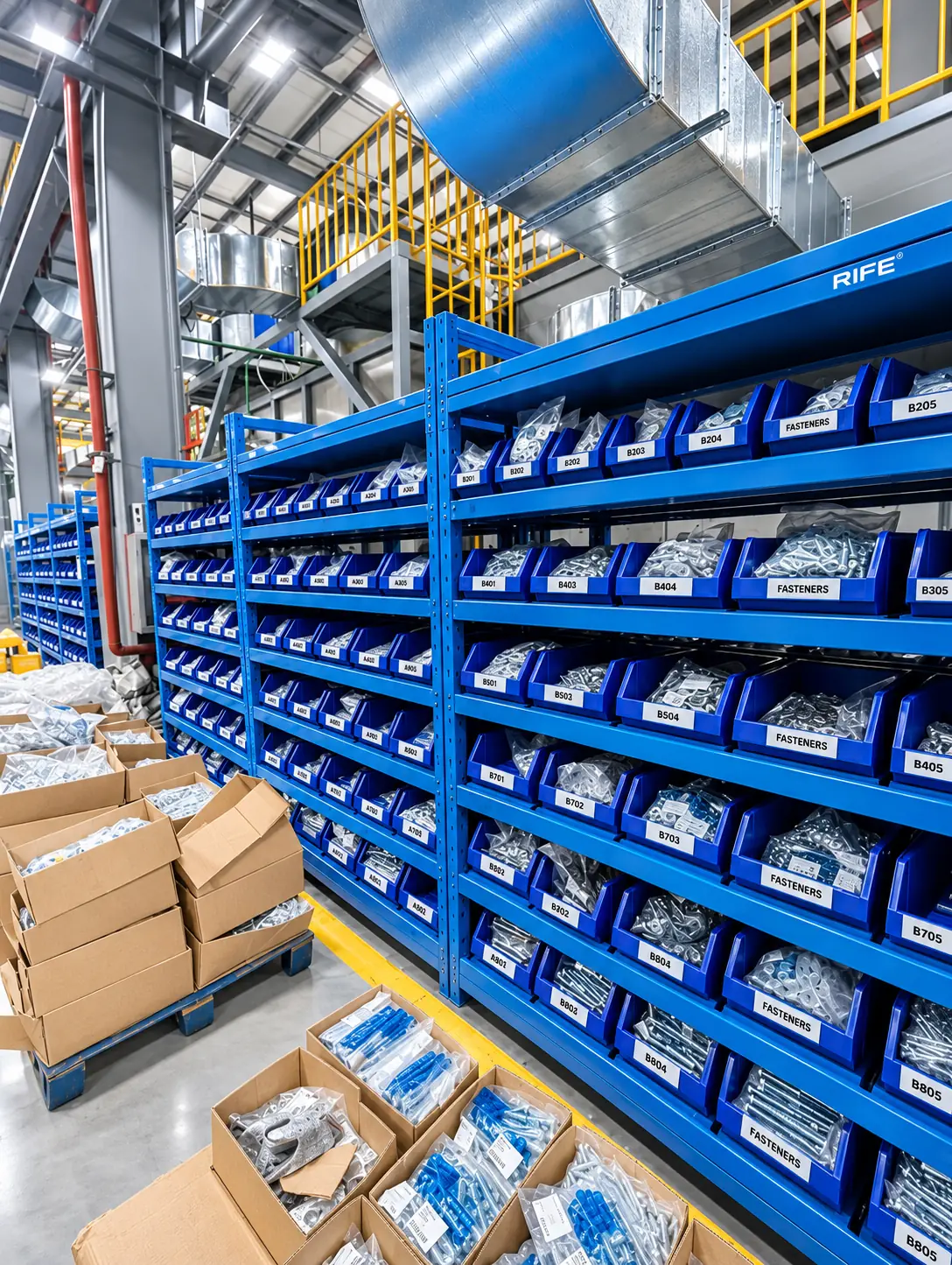
Set a reorder point for each known item and storage position. When calculated stock reaches that threshold, ERGO can put it on a replenishment list so stores or purchasing knows what needs to be refilled. The measured refill can update the stock view after supplies arrive.
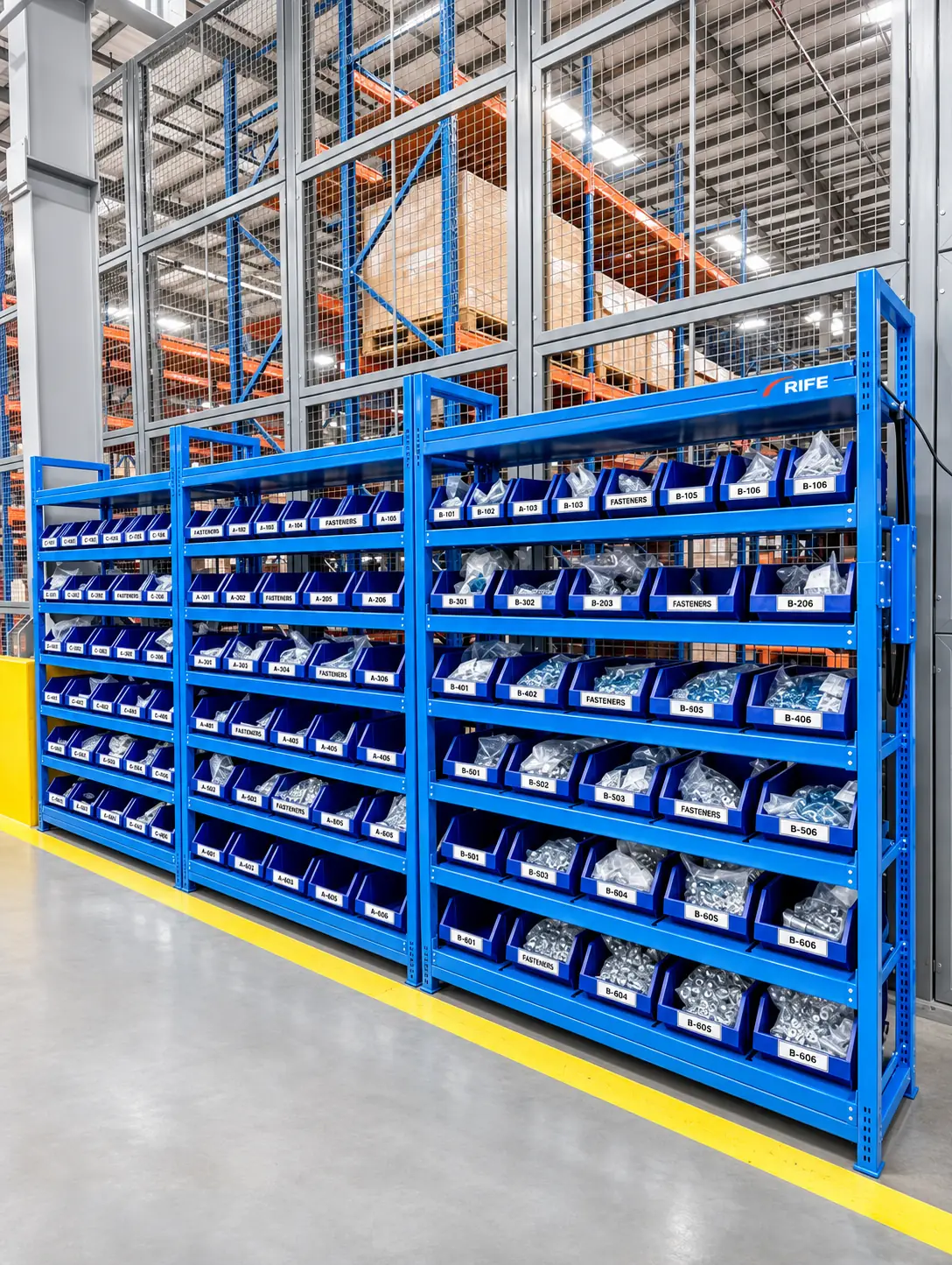
A supplier-managed stock program needs dependable shared information. Approved suppliers can be given the selected stock and consumption views needed to plan refill visits, while the customer retains agreed controls over permissions, transactions and responsibilities.
Create sites, zones, rack bays, shelves and bins so every signal has a known physical location.
Assign SKUs, unit weights, container tare and reorder thresholds to monitored positions.
Configure operator, stores, purchasing and supplier access; establish notification rules.
Review consumption, refill records and exceptions to tune stock levels and processes.
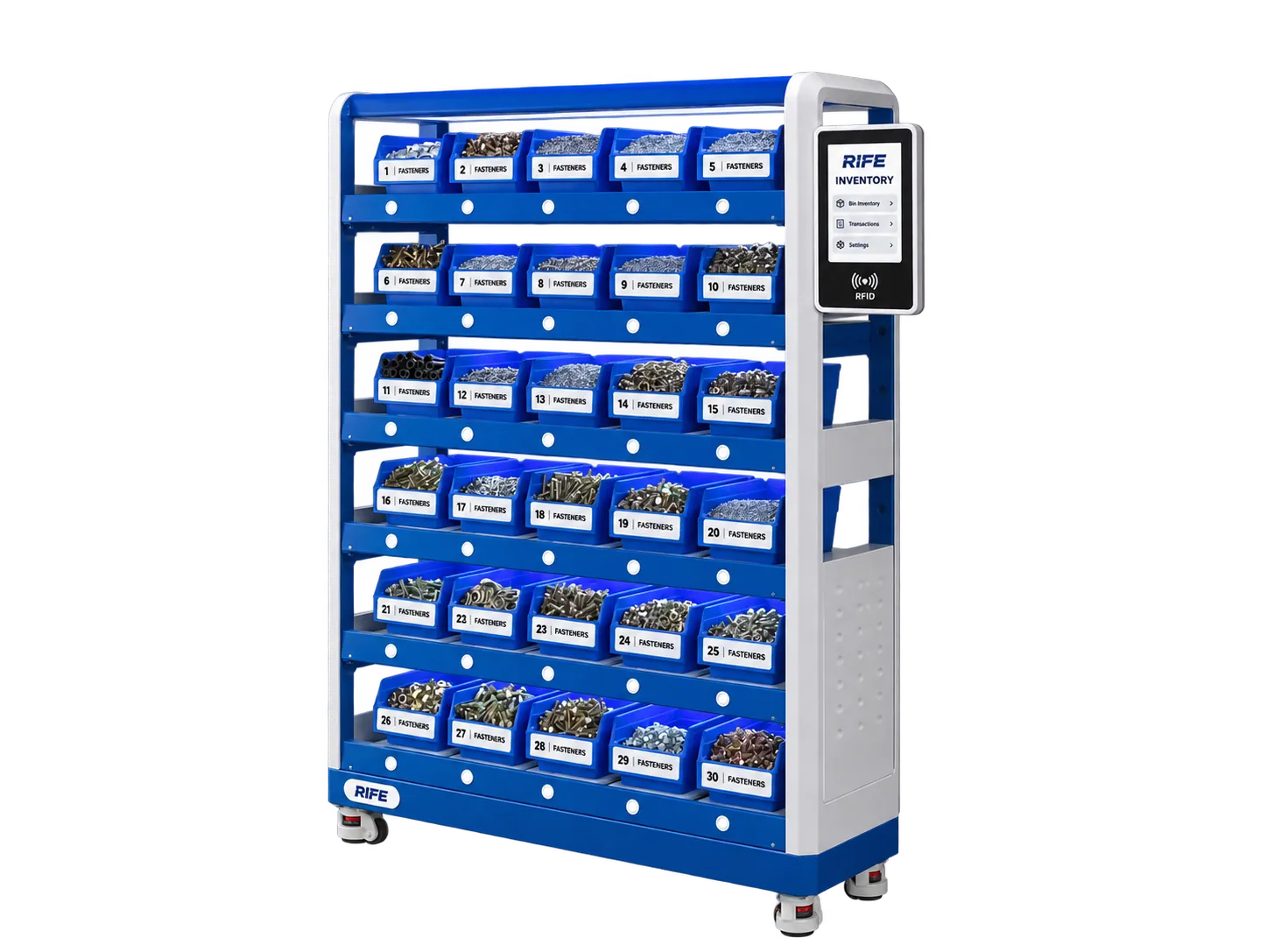
Know which bins and cabinets require restocking, and track how materials move between checks.
Plan reorder quantities and supplier follow-up from recorded consumption and low-stock positions.

See whether critical line-side consumables are available before a shift needs them.
Review stock movement and user-linked transactions where the relevant tracking is configured.
We select software functions around the hardware, user roles and information flows in your operation.
Request a Configuration →| Option | Configuration |
|---|---|
| Hosting | Cloud or on-premise options, agreed in system scope |
| Users and permissions | Admin, stores, purchasing and viewer roles |
| Alerts | Dashboard and selected notification channels |
| Exports | CSV or spreadsheet formats where enabled |
| ERP / WMS link | Interface and compatible fields agreed per project |
| Supplier view | Optional selected-item visibility for VMI |
| Access events | Authenticated transactions where cabinet integration is included |
It connects smart storage measurements and access records to a stock view, including monitored locations, consumption history, reorder thresholds and reports.
Supplier-specific access and stock views can be configured as part of a vendor managed inventory program. The customer decides which items and reports may be shared.
An integration can be designed around the approved data fields, supported interfaces and your organization's authorization rules. The final connector and exchange format are defined during implementation.
The reporting interface and any mobile views are selected and tested as part of the agreed software deployment. Ask for a demonstration of the relevant screen layout.
Yes, where the selected access controller and storage modules exchange compatible data with the inventory software. User-linked cabinet transactions and monitored quantity changes can be viewed together.
Share your stored materials, capacities, storage dimensions and operational needs for a project-specific discussion.