Inventory that counts itself.
Smart shelves. Secure cabinets. Connected stock.
ERGO smart shelves, racks, cabinets and drawers count known stock from calibrated weight readings. See current quantities, spot low stock and plan replenishment before the line stops.
Backed by RIFE Technologies' manufacturing and engineering in India.
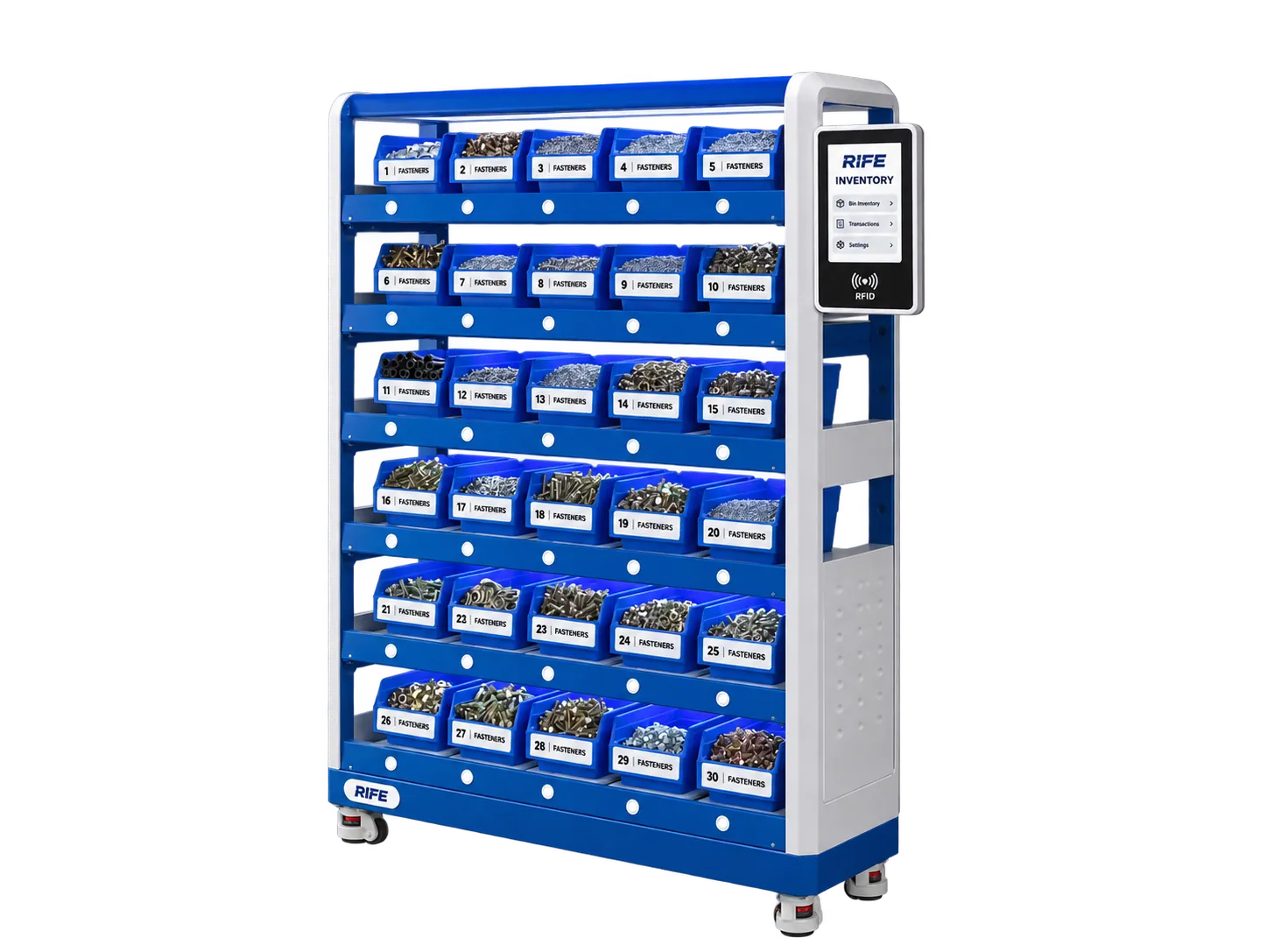
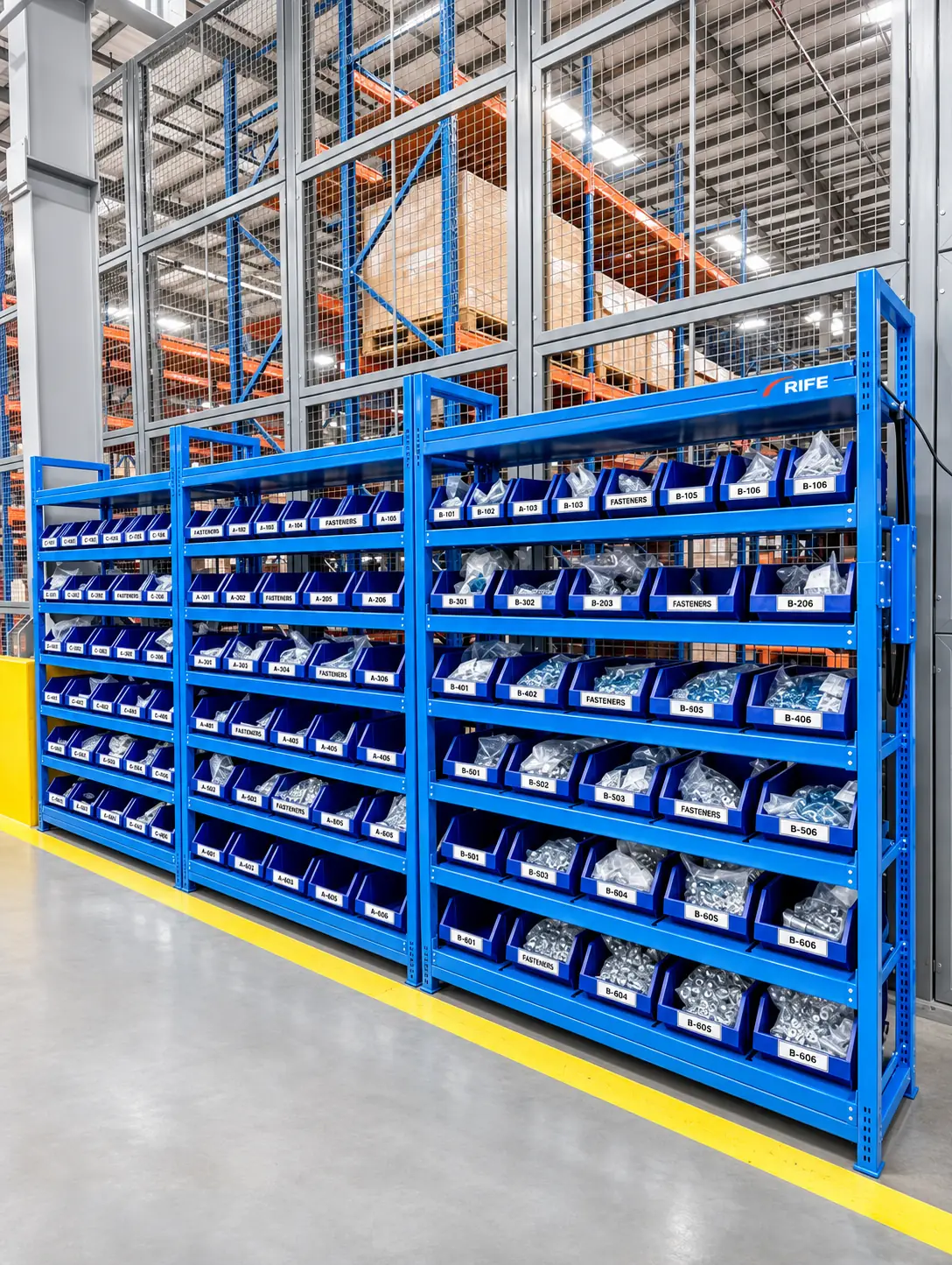
Every bin. Every shelf.
One clearer view of stock.
Measure consumption, control access and focus replenishment where it matters.
Explore Smart Shelves ↗Stop counting stock. Start managing it.
Manual cycle counts tell you what you had at the last check. Weight-based monitoring helps your team see what is stored now.
Six ways to store and track
Choose a storage format around the material, user access and replenishment workflow.
Smart Shelves & Weighing Racks
Stock visibility across factory and warehouse racking.
Explore solution →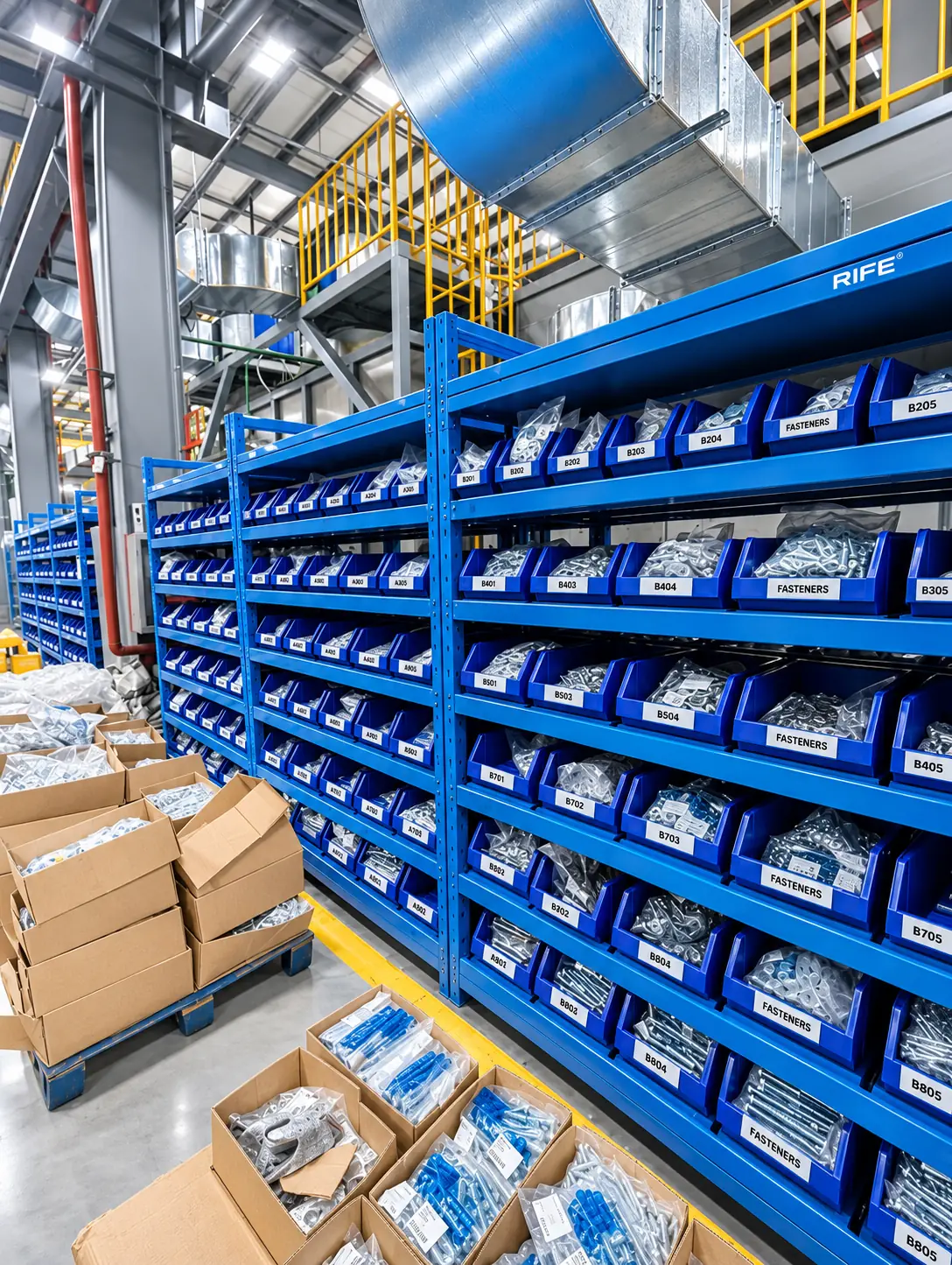
Smart Shelf & Weighing Bins
Automated inventory counting for fasteners, components and consumables.
Explore solution →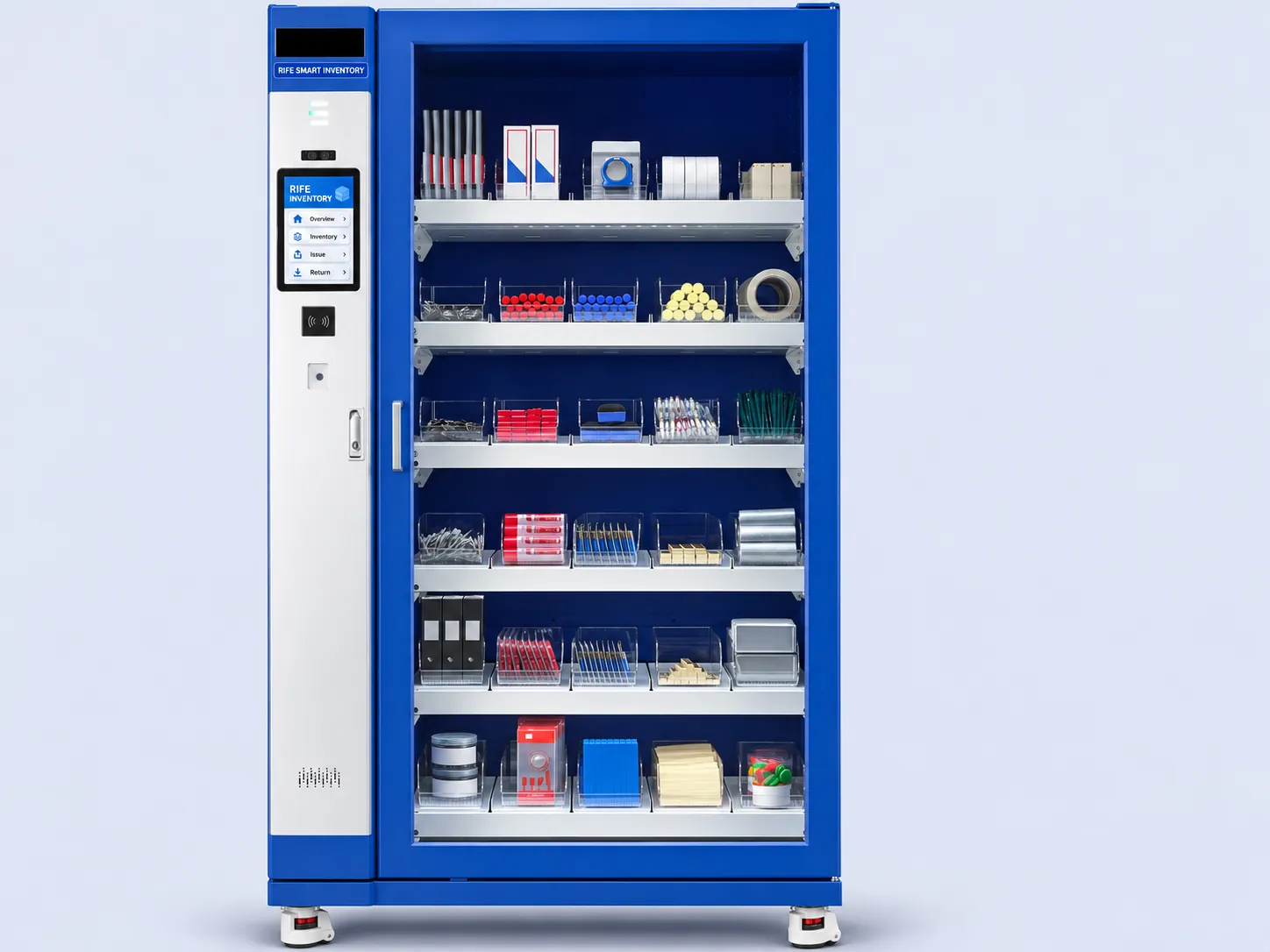
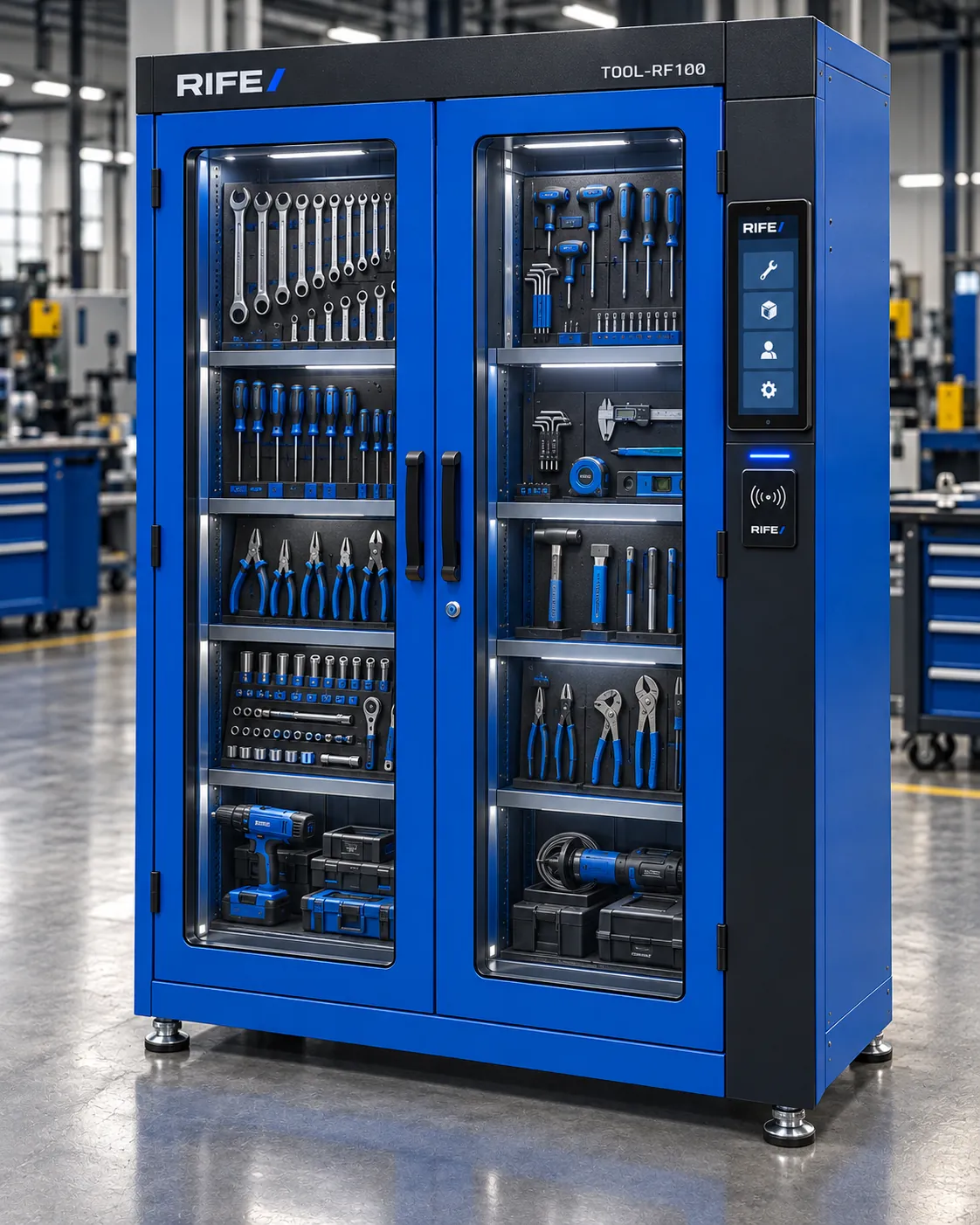
Smart Inventory Cabinets
RFID or PIN access with user-linked inventory records.
Explore solution →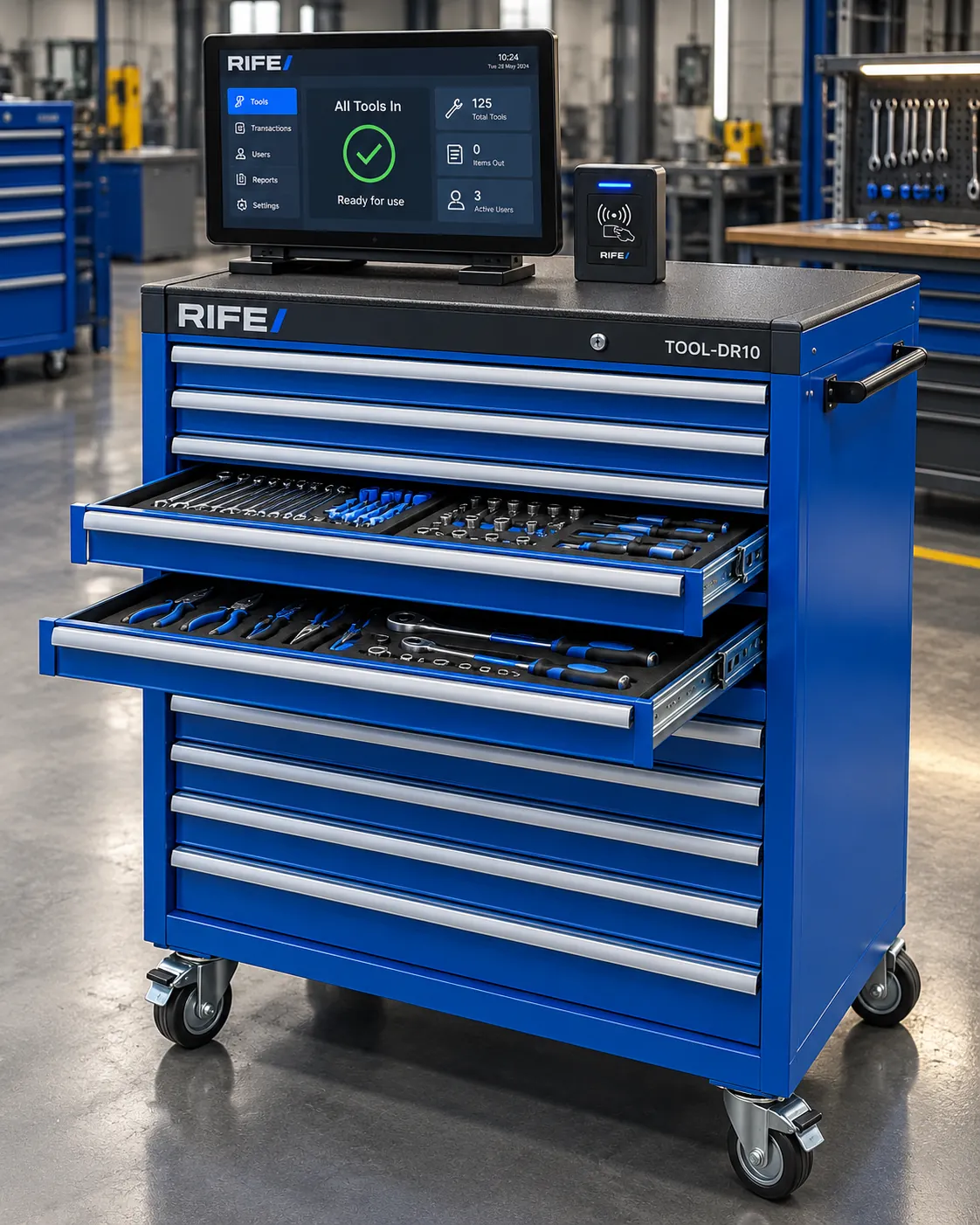
Smart Tool Crib Drawers
Compartment-level monitoring for cutting inserts, bits and fasteners.
Explore solution →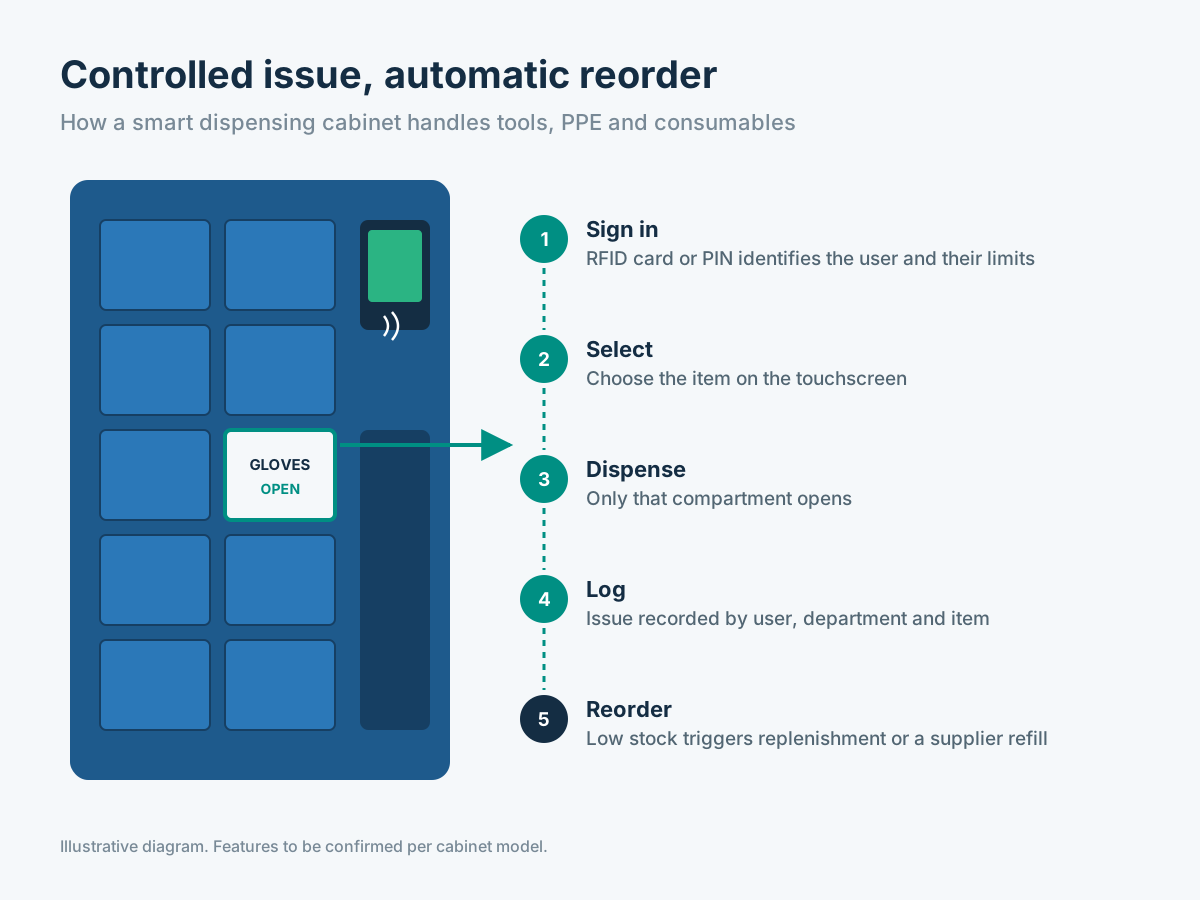
Smart Dispensing Cabinets
Controlled issue of PPE, tooling and consumables.
Explore solution →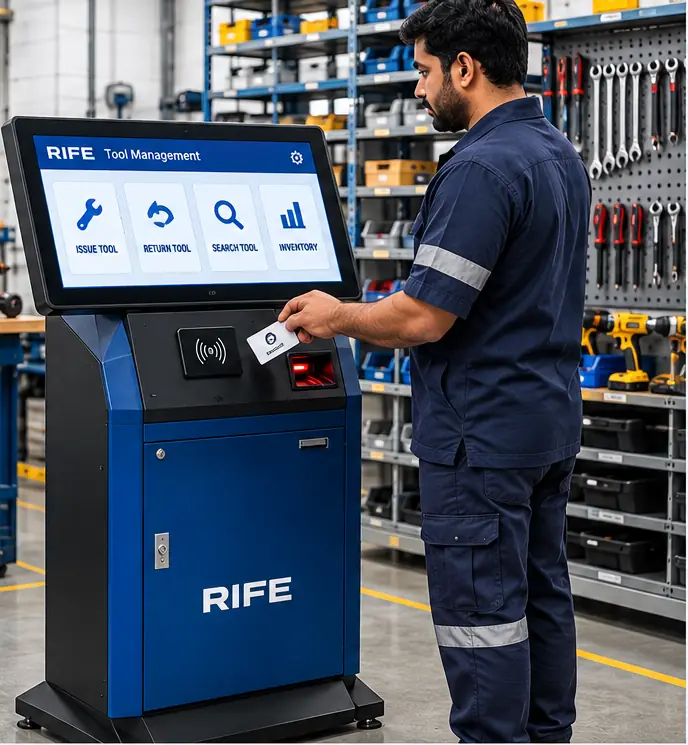
Inventory Monitoring Software
One management view across racks, cabinets and bins.
Explore solution →From weight to reorder, automatically
Load cells weigh stock at configured positions. The system divides the measured net weight by the calibrated unit weight to calculate how many known items remain, update inventory and check the reorder point.
- Load cells at each configured measuring position
- Item count calculated from calibrated unit weight
- Stock counts update as readings change
- Alerts when inventory reaches the reorder point
Know what was taken, and by whom
With RFID or PIN access, each controlled session is linked to a user. Calibrated weighing detects changes at dedicated item positions, so the system can record which quantities were withdrawn during that session.
- RFID card or PIN access options
- Quantity changes linked to authenticated sessions
- User and team permissions
- Transaction history and replenishment records
From enquiry to live inventory
Assess
Share what you store, how much and where.
Configure
Match storage format, weighing and access to your inventory.
Build
RIFE manufacturing and testing against the agreed specification.
Go live
Install, calibrate unit weights and set reorder levels.
Built for operations where every part counts
Production Stores
Keep line-side parts available without overstocking.
Tool Cribs
Control cutting tools and inserts by user.
MRO & Maintenance
Keep spares and consumables visible when equipment needs attention.
Hospital Supplies
Monitor appropriately configured consumables by department.
Every system is configured to your inventory
Storage format, load capacity, sensitivity, access method and software functions are selected for the items and operational workflow.
Request a Configuration →| Option | Configuration |
|---|---|
| Storage format | Rack, shelf, bin, cabinet, drawer or dispensing |
| Load capacity | Selected for the load at each measuring position |
| Sensitivity | Matched to the smallest meaningful item change |
| Access control | Open access, RFID card or PIN |
| Alerts | Reorder levels per item, dashboard and configured channels |
| Integration | Data export and ERP connection scoped per project |

Frequently asked questions
How does a smart shelf count items?
A load cell weighs the stock in each configured position. After unit-weight calibration, the system calculates how many of a known item remain. Mixed items, unusual packaging or vibration can affect accuracy, so those conditions are reviewed during setup.
Can I start with a small pilot?
Yes. Start with a selected shelf, bench or storeroom area. We define the items, expected stock movement, sensitivity requirements and acceptance criteria before scaling.
Does it work with RFID access?
RFID or PIN access can be combined with weighing in suitable secured cabinets or drawers. Session records identify the authorized user; weighing identifies the quantity change, subject to item separation.
Can it share data with our ERP?
Inventory data exchange can be designed as part of a project. The required format, interfaces and compatibility must be agreed with the customer before an ERP or WMS integration is committed.
Configure your industrial inventory solution
Share your stored materials, capacities, storage dimensions and operational needs for a project-specific discussion.